


Page 7 - Chicago Title Business Tools Playbook.pdf
P. 7
4


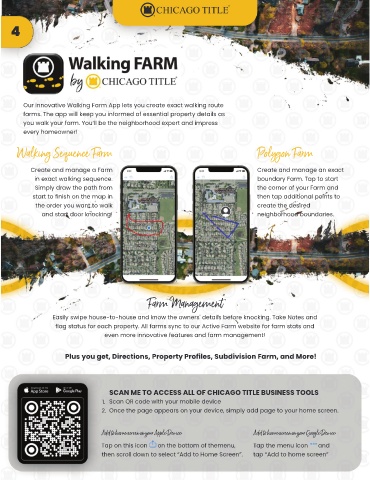
         Our innovative Walking Farm App lets you create exact walking route
         farms. The app will keep you informed of essential property details as
         you walk your farm. You’ll be the neighborhood expert and impress
         every homeowner!


       Walking Sequence Farm                                                          Polygon Farm

           Create and manage a Farm                                                   Create and manage an exact
            in exact walking sequence.                                                boundary Farm. Tap to start
             Simply draw the path from                                                the corner of your Farm and
            start to finish on the map in                                             then tap additional points to
             the order you want to walk                                               create the desired
               and start door knocking!                                               neighborhood boundaries.


                                                  Farm Management

                  Easily swipe house-to-house and know the owners' details before knocking. Take Notes and
                   flag status for each property. All farms sync to our Active Farm website for farm stats and
                                    even more innovative features and farm management!


                       Plus you get, Directions, Property Profiles, Subdivision Farm, and More!


                                     SCAN ME TO ACCESS ALL OF CHICAGO TITLE BUSINESS TOOLS
                                   1. Scan QR code with your mobile device
                                   2. Once the page appears on your device, simply add page to your home screen.


                                   Add to home screen on your Apple Device:          Add to home screen on your Google Device:
                                   Tap on this icon      on the bottom of themenu,   Tap the menu icon      and
                                   then scroll down to select “Add to Home Screen”.  tap “Add to home screen”

